Giving Old Computers a Second Life: ChromeOS Flex Explained
Google offers a free operating system, ChromeOS Flex, to optimize outdated PCs and laptops.
 💡Tech
Photo: UNIAN
Key points
- ChromeOS Flex is a free OS for old PCs
- Low hardware requirements
- Full integration with Google ecosystem
- Data backup is mandatory before installation
Many users struggle with aging hardware that can no longer support modern versions of Windows. An alternative solution for such cases is ChromeOS Flex, a lightweight operating system from Google designed to restore the performance of older laptops and desktops.
Features and Installation
The system is characterized by low hardware requirements and ease of use. It is ideal for browser-based tasks: studying, document processing, and web browsing. The installation process does not require deep technical skills; users simply need to create a bootable USB drive using the official Google utility and run it on their device.
Before installation, it is crucial to back up all data, as the process completely wipes the storage drive. Users can test the system directly from the USB drive before proceeding with the full installation, ensuring compatibility with hardware components like Wi-Fi adapters or audio systems.
Limitations and Recommendations
Despite its advantages, ChromeOS Flex has limitations. Because the system is focused on web services, it does not support classic Windows software, which may hinder the use of specialized applications. However, for those seeking a secure and fast alternative for basic office tasks without the complexity of Linux, this remains an optimal choice.
Source UNIAN — unian.ua/techno/software/chim-zaminiti-windows-11-google-vipustila-… ↗
Read next
 🛡️Security
Russian Naval Corvette «Merkuriy» Destroyed in Explosion in Libya
A powerful blast in the port of Benghazi, Libya, has completely destroyed the Russian corvette Merkuriy, which was escorting a weapon convoy.
 🛡️Security
Teenager killed by enemy FPV drone explosion in Sumy region
A 15-year-old resident was killed in the Novoslobidska community of Sumy region after an enemy drone detonated upon contact. Local authorities confirmed the tragedy.
 🛡️Security
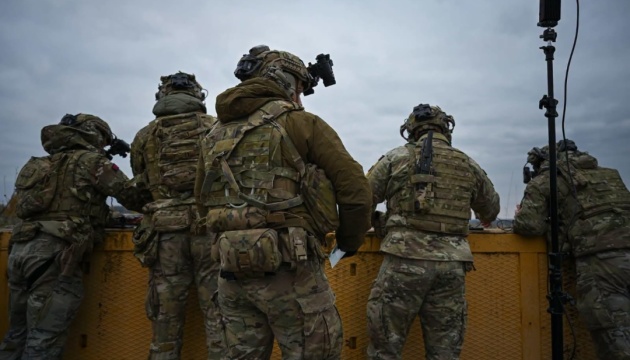
Ukrainian troops take part in international Drone Crucible exercises
The Armed Forces of Ukraine have participated in the first international Drone Crucible exercises organized by the U.S. Special Operations Command Europe (SOCEUR).
 💼Economy
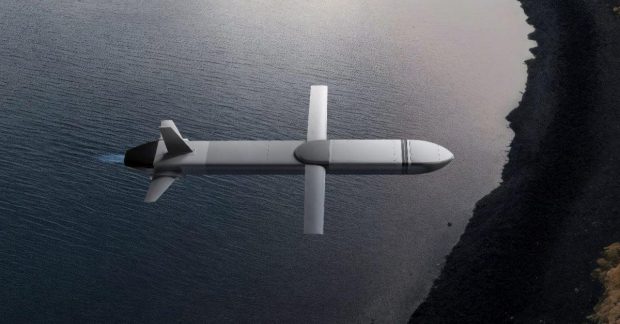
Netherlands Ramps Up Production of Ukrainian 'Ruta' Missiles
Dutch authorities are injecting billions into their defense sector and manufacturing Ukrainian 'Ruta' missiles, expanding industrial cooperation to strengthen security.
 🛡️Security
Russian Strike on Dymer in Kyiv Region: Search for Missing Under Rubble Ongoing
A nighttime drone attack on the village of Dymer in the Vyshhorod district caused the partial collapse of an apartment building and casualties.
 👥Society
German far-right party calls for repatriation of millions of refugees, including Ukrainians
Co-leader of the Alternative for Germany party, Tino Chrupalla, has urged the repatriation of up to 2.6 million people, encompassing Ukrainians, Syrians, and Afghans, onc…